
More Guides
Jitter occupies an odd place in audio discussion: it is invoked constantly, defined rarely, and used to justify a great deal of expenditure. The concept itself is simple and worth understanding properly, because it is the one respect in which a digital connection is not merely a data pipe. It is also, in well-designed modern equipment, largely a solved problem — which makes knowing what actually addresses it more valuable than knowing what claims to.
Timing, Not Data
Start with the distinction that clears up most confusion. Digital audio involves two separate things: which numbers arrive, and when each number is converted back to a voltage.
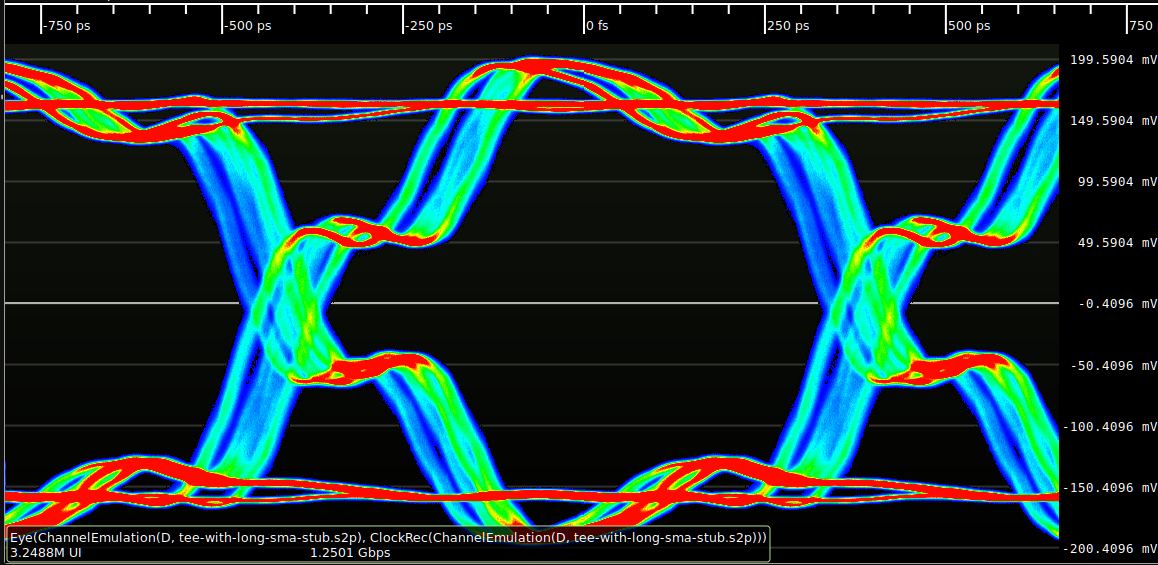
The numbers are robust. Digital transmission has enormous noise margins, and in practice the data arrives bit-perfect or fails audibly — a dropout, a click, silence. There is no gradual degradation of the values themselves.
The timing is a different matter. A digital-to-analogue converter reconstructs a waveform by producing each sample's value at a precisely spaced moment, at exactly the sample rate. If those moments are not evenly spaced — if the clock that triggers them wobbles — the reconstructed waveform is distorted, even though every number was correct. That timing uncertainty is jitter, and it is measured in picoseconds.
Sidebands, Not Noise
Jitter does not add hiss. It modulates the signal, producing sidebands either side of every tone at frequencies determined by the jitter's own spectrum. Random jitter raises a low-level noise floor around the signal; correlated jitter — timing error that varies with the audio itself, which is what happens when a clock is recovered from an audio data stream — produces discrete, inharmonic sidebands that are far more audible for a given magnitude. This is why the character of jitter matters more than the raw picosecond figure.
Where Jitter Comes From
Three sources account for nearly all of it.
Clock recovery. S/PDIF, AES/EBU and HDMI embed timing in the data stream, so the DAC has to extract it — usually with a phase-locked loop that follows the incoming transitions. Anything that shifts those transitions in time shifts the recovered clock: cable reflections from an impedance mismatch, slow rise times, the transmitting device's own timing. Because the transitions depend on the data being sent, the resulting jitter is correlated with the audio, which is the worst kind.
The oscillator itself. Every clock has phase noise. A basic crystal oscillator is adequate; a temperature-compensated or oven-controlled one is better. This contribution is random rather than correlated, and in a competent DAC it is already far below audibility.
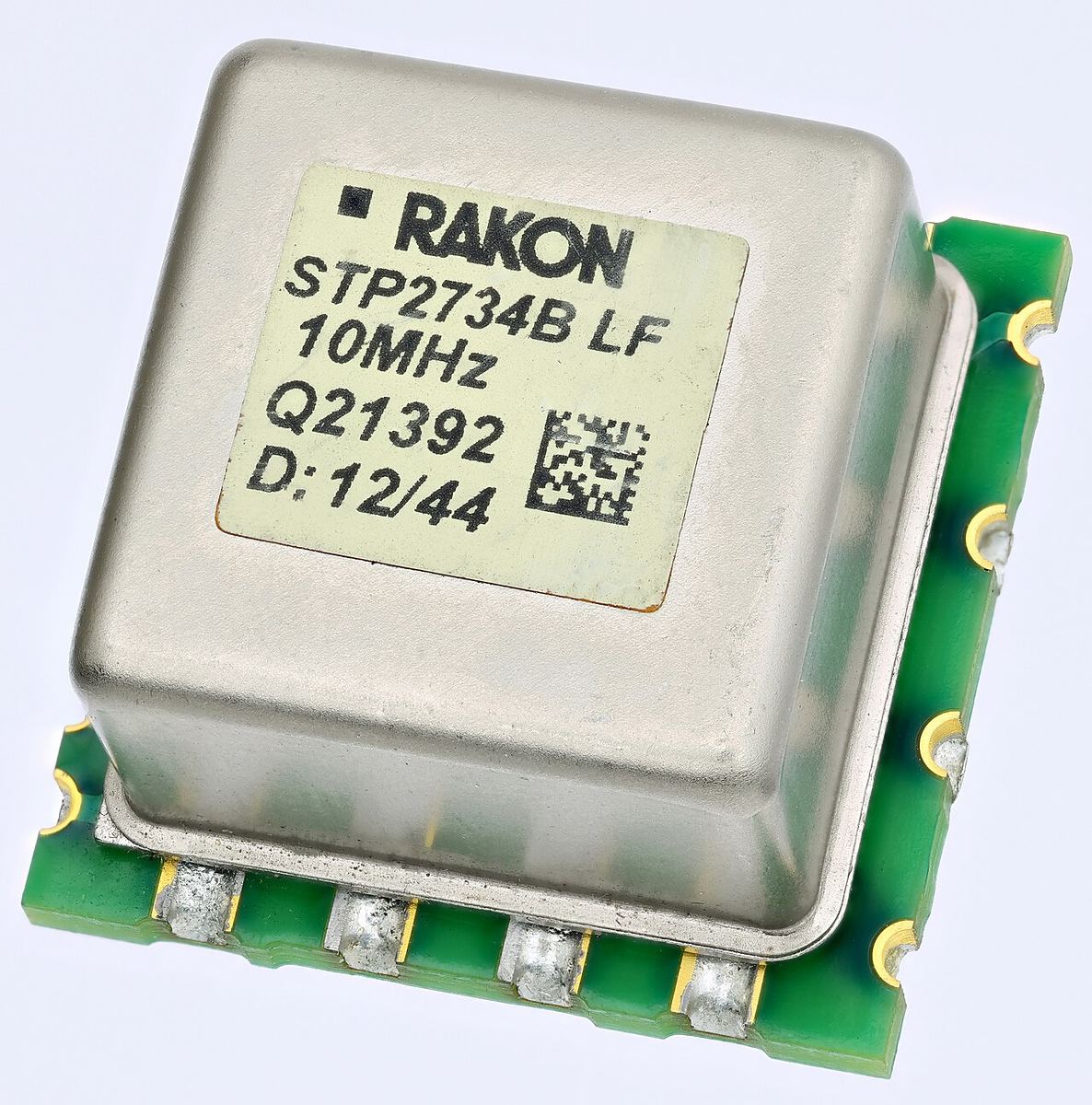
The power supply and the board. Noise on the clock's supply rail modulates its output, and high-frequency digital activity elsewhere on the board couples in. This is why layout, supply regulation and isolation often matter more to real-world jitter than the specification of the oscillator itself.
How Modern Designs Solve It
The engineering answer, arrived at over the last two decades, is to stop trying to follow the source's timing at all.
Asynchronous USB inverts the relationship: the DAC's own local clock governs conversion, and the DAC signals the computer to send more data when its buffer needs filling. The source's timing quality becomes irrelevant, because nothing downstream is trying to track it. This is the single most effective structural fix available, and it is why asynchronous USB is usually a DAC's best-performing input.
Buffering and reclocking achieve much the same for stream-clocked inputs. Incoming data is written into a memory buffer using the recovered clock and read out using the DAC's own clock, decoupling the two. Provided the buffer is deep enough to absorb the difference, arrival jitter is discarded rather than passed on.
Asynchronous sample rate conversion takes a more aggressive approach, resampling the incoming stream onto the DAC's own clock domain. It is extremely effective against jitter, at the cost of a mathematical resampling step that purists dislike — though in practice modern implementations are transparent.
Galvanic isolation on the input prevents electrical noise from the source reaching the clock circuitry in the first place, which addresses the supply-noise contribution rather than the timing one.
The threshold in perspective: published audibility research puts thresholds for random jitter in the range of hundreds of picoseconds to nanoseconds for music, with correlated jitter audible at lower levels. Competent modern DACs measure in the low tens of picoseconds or better. That gap is the reason jitter has quietly stopped being a practical problem in most systems — and the reason claims of large audible improvements from jitter-reduction accessories deserve scepticism.
External Clocks: When They Help and When They Do Not
Some DACs accept an external word clock, and dedicated master clocks are sold at serious prices. The logic sounds compelling — a better clock ought to be better — but the reality depends entirely on the architecture.
In a studio, an external master clock exists to keep multiple devices in sync so that digital audio can pass between them without sample slips. That is a synchronisation requirement, not a quality one, and it is entirely valid.
In a domestic playback system, feeding a DAC an external clock usually means the DAC must now slave to an incoming clock signal — travelling down a cable, through a receiver circuit — instead of using the oscillator sitting millimetres from its conversion stage. Unless the DAC was specifically architected to be clocked externally, this can easily make matters worse rather than better. The general rule: the best place for a clock is as close to the converter as possible, and a well-designed DAC with a good internal clock has little to gain.
What Actually Deserves Your Attention
If jitter is a concern in your system, these are the interventions that have real effect, in order.
- Use asynchronous USB where the DAC supports it, preferably with galvanic isolation on that input.
- Choose a DAC with buffering or reclocking if you will be using S/PDIF, coaxial or optical inputs.
- Use correctly specified cables — true 75 Ω coax, 110 Ω for AES/EBU. Impedance mismatches cause reflections, which is a genuine jitter mechanism.
- Remove the computer from the chain with a dedicated streamer, which eliminates a large source of electrical noise as well as timing variability.
- Ignore the picosecond figure in isolation. A number without a spectrum tells you nothing about audibility, and a modern DAC's jitter is already well below the threshold.
The broader point is worth stating: jitter was a real and audible problem in the 1990s, when clock recovery was primitive and buffering was rare. The architecture that fixed it — local clock authority, deep buffers, isolated inputs — is now standard in even modestly priced equipment. Understanding it is useful mainly so you can recognise which claims about it still hold.
Putting Picoseconds in Perspective
The relationship between a jitter figure and its audible consequence can be calculated. For sinusoidal jitter of peak amplitude Δt applied to a full-scale tone of frequency f, each of the two resulting sidebands sits at 20 × log10(π × f × Δt) relative to the tone. Because the effect is proportional to frequency, the worst case is a loud, high-frequency signal.
For a full-scale 20 kHz tone, 1 nanosecond of jitter produces sidebands at about −84 dB; 100 picoseconds at about −104 dB; and 10 picoseconds at about −124 dB. For comparison, the noise floor of 16-bit audio sits around −96 dB. So a DAC with jitter in the low tens of picoseconds produces artefacts well below the noise of a CD, even under a test signal far more demanding than music, which carries little energy at full scale near 20 kHz. The arithmetic supports the threshold research: jitter becomes a plausible concern only in the hundreds of picoseconds and above.
How Jitter Is Measured
A single picosecond number hides the spectrum, which is why serious measurements show the jitter's effect directly. The best-known method is the J-Test, devised by Julian Dunn. It combines a high-level tone at a quarter of the sample rate — 11.025 kHz at 44.1 kHz — with a very low-level square wave at 1/192 of the sample rate, about 230 Hz, that toggles the least significant bit. That combination produces a data pattern that is deliberately difficult for a clock-recovery circuit to follow.
Fed through an S/PDIF input, the J-Test exposes data-correlated jitter as a series of sidebands spaced at odd harmonics of 230 Hz either side of the 11 kHz tone. A clean result shows the tone standing alone above a flat noise floor; a poor one shows a picket fence of spikes around it. Reviews that publish this plot, input by input, tell you far more than a headline figure, and they make it easy to see whether a DAC's reclocking works or whether its USB input outperforms its coaxial one.
Jitter at the Recording End
Everything above concerns playback, where jitter is reversible: a better DAC or a better clocking arrangement removes it. Jitter at the analogue-to-digital converter during recording is different. If the ADC's sampling instants wobble, the samples captured are simply the wrong values, and that error is permanent — no playback equipment can recover the signal that should have been recorded.
This is one place where studio clocking genuinely matters for sound quality, and it is part of why professional converters invest so heavily in clock design. For the listener it is a reassuring point rather than an actionable one: the quality of the recording chain is fixed in the file, and modern professional converters have long since pushed recording jitter well below audibility too.
Quick Reference: Jitter at a Glance
| Aspect | Detail |
|---|---|
| What it is | Timing uncertainty at the moment of conversion, measured in picoseconds |
| What it is not | Data corruption — the numbers themselves arrive intact |
| Audible effect | Modulation sidebands around signal content, not added hiss |
| Worst kind | Correlated jitter, produced by recovering a clock from the audio stream |
| Main sources | Clock recovery, oscillator phase noise, power-supply and board noise |
| Best structural fix | Asynchronous USB, or buffering and reclocking on stream-clocked inputs |
| External master clock | Essential in studios for sync; rarely an improvement for home playback |
| Current status | Well below audibility in competent modern DACs |
Check your digital chain
Enter your source, DAC and connections for a free analysis of format support, clocking arrangement, and where the chain could be improved.
Run a Free Analysis →