
More Guides
A DAC (Digital-to-Analog Converter) sits at the boundary between the digital and analog domains of your system. Its job is to convert a stream of binary data — from a network streamer, computer, CD transport, or USB source — into an analog voltage that your preamplifier or integrated amplifier can use. DAC quality matters, but so does how the DAC interfaces electrically with the components around it.
The Digital Signal Chain
The Digital Signal Chain
Each connection in this chain has electrical compatibility requirements. The digital connection (USB, optical, coaxial S/PDIF, AES/EBU) must be supported at both ends at the same sample rate. The analog output of the DAC must match the input sensitivity and impedance of the preamplifier. These are the interfaces where compatibility failures occur.
Output Voltage — The Most Critical DAC Spec for System Matching
Analog Output Voltage (V RMS)
The output voltage of the DAC at full scale (0 dBFS) determines how much gain is available for the rest of the signal chain. Most hi-fi DACs output 2.0–4.0 V RMS unbalanced. This must be enough to drive the preamplifier (or integrated amplifier) to its input sensitivity without the volume control needing to be at maximum. It must also not be so high that the volume control is unusably sensitive at low settings.
A DAC outputting 4 V RMS into a preamplifier with a maximum input of 2 V will overdrive the preamp at full scale, causing clipping before the volume control does its job. Conversely, a DAC with a 0.5 V output driving a power amplifier that needs 1 V for full output will never reach maximum power regardless of volume control position.
Output Impedance — The Preamp Interface
Analog Output Impedance (Ω)
The DAC's output impedance must be at least 10 times lower than the preamplifier's input impedance (the 10:1 rule). A DAC with 600 Ω output impedance driving a preamplifier with 5,000 Ω input impedance is marginal and will show a measurable high-frequency rolloff. Most modern DACs have output impedances between 50 Ω and 600 Ω. Below 100 Ω is excellent and places no meaningful constraints on the preamplifier choice.
Digital Inputs — Format and Sample Rate Support
The DAC's digital inputs must support the format and sample rate of your digital source. Key input types are:
USB Audio
Typically supports the highest sample rates (up to 768 kHz PCM, DSD512). Class-compliant (driverless) on macOS, Linux and current Windows; a vendor driver adds ASIO and native DSD on Windows. Best for computer audio.
Coaxial S/PDIF
Supports up to 192 kHz / 24-bit PCM. Carried on RCA or BNC connector. Good for CD transports and most network streamers. Low jitter potential.
Optical (TOSLINK)
Supports up to 96 kHz / 24-bit in most implementations. Galvanically isolated (prevents ground loops). Practical upper limit is usually 96 kHz despite some 192 kHz claims.
AES/EBU (XLR Digital)
Professional balanced digital. Supports up to 192 kHz / 24-bit. Lower jitter and better noise immunity than coaxial. Found on higher-end DACs and professional equipment.
Compatibility check: Confirm that your streamer's digital output type (USB, coaxial, optical, AES) matches one of your DAC's inputs, and that both support your preferred resolution (e.g., 24-bit / 192 kHz or DSD64).
Jitter: Why the Clock Matters
Jitter is the variation in timing of the digital signal's clock — small, irregular deviations from perfectly spaced sample delivery. In the analog domain, jitter manifests as a smearing of fine detail, a slight haziness in imaging, and a subtle brightness or hardness in the high frequencies. Jitter cannot be heard as a discrete artifact; it degrades the listening experience by degrees.
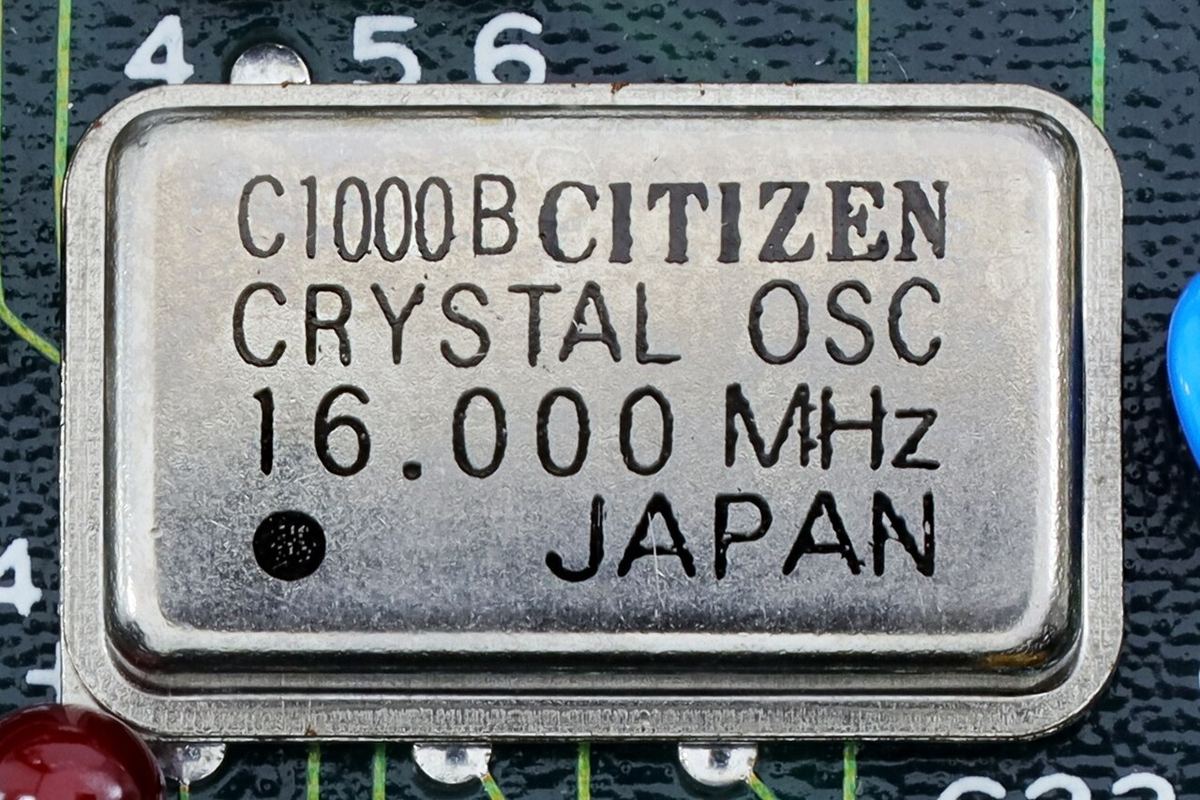
Modern DAC chips with internal reclocking and asyncronous USB implementations have made jitter a largely solved problem in quality DACs. The area where jitter still matters is in the quality of the external clock recovered from S/PDIF and optical inputs — inputs where the DAC is slaved to the source's clock rather than running its own. High-quality asynchronous USB and I²S connections sidestep this entirely by using the DAC's own low-jitter clock as the reference.
Balanced vs. Unbalanced Outputs
Many DACs offer both unbalanced RCA outputs and balanced XLR outputs. Balanced outputs carry the audio signal on two conductors with opposite polarity, with a ground return — allowing common-mode noise to be cancelled at the balanced input of the preamplifier. In a typical home environment with short cable runs, the practical noise-rejection advantage of balanced connections is modest. The more significant benefit is often the extra 6 dB of output voltage that a balanced output provides relative to the unbalanced output on the same DAC, which can help with gain staging.
Digital Filters: What the Switch Does
Many DACs let you choose between several reconstruction filters, with names like "fast roll-off," "slow roll-off," "minimum phase" and "apodizing." Every DAC needs such a filter to remove the ultrasonic images that sampling creates. The options trade between a few properties: how steeply the filter cuts off above 20 kHz, how much the treble droops just below that, and whether the filter "rings" before a transient (linear phase) or only after it (minimum phase).
Nearly all of these differences sit at or above the upper limit of hearing. A slow roll-off filter may soften the top octave by a fraction of a decibel and let a little more ultrasonic content through; a minimum-phase filter changes the timing of ringing that occurs mostly above 20 kHz. If your DAC offers the choice, try them, but expect small or no audible differences. Leaving the default fast linear-phase filter is a perfectly sound choice.
Using the DAC's Volume Control
Many modern DACs include a volume control, which lets them drive a power amplifier or active speakers directly, with no preamplifier. Digital volume controls on good DACs work at high internal resolution (commonly 32 bits), so reducing the level costs no audible detail at any sensible listening setting. Some DACs use an analog volume control instead, which preserves full digital resolution at the converter itself.
The rule is to use one volume control, not two. If the DAC feeds a preamp or integrated amplifier, set the DAC to its fixed or maximum output and adjust volume at the amplifier. If the DAC drives a power amp directly, use the DAC's volume and confirm that its maximum output matches the amplifier's input sensitivity. Either way, check that the DAC starts at a safe level after switch-on: a DAC that defaults to full output connected directly to a power amp can produce a dangerously loud first track.
USB Drivers and Computer Playback
USB DACs that follow the USB Audio Class 2.0 standard work without extra drivers on macOS and Linux, and have done so on Windows since Windows 10 version 1703, which added a native class-compliant driver. Manufacturers often still provide a Windows driver, and it remains worth installing if you want ASIO support or native DSD playback, which the built-in driver does not handle. For bit-perfect playback settings on each operating system, see the digital formats guide.
Older or very inexpensive USB DACs may use USB Audio Class 1, which is driverless everywhere but limited to 24-bit/96 kHz. That is still above CD quality, so it is not a practical limitation for most listening.
How Much Do DAC Measurements Matter?
Independent measurements of DACs commonly report SINAD (signal to noise and distortion), dynamic range, and channel balance. Even many inexpensive modern DACs achieve SINAD figures above 100 dB, which places their combined noise and distortion below the threshold of audibility at normal listening levels. Above that point, further measured improvements are real but very unlikely to be heard through speakers in a room.
That shifts the practical buying decision toward features and integration: the right inputs for your sources, a suitable output voltage and impedance for the next component, balanced outputs if you need them, a usable volume control, a headphone output if you want one, and reliable software support. Money beyond a competent DAC is usually better spent on speakers or room treatment, as the budget allocation guide explains.
Quick Reference: DAC Specs at a Glance
| Specification | What It Means | What to Look For |
|---|---|---|
| Output Voltage | Level at full scale | 2 V unbalanced / 4 V balanced is standard; match the next component |
| Output Impedance | Drive into the next input | ≤1/10 of the next component's input impedance; under 100 Ω is ideal |
| Digital Inputs | Supported connections and rates | Matches your sources at the resolution you use |
| USB Class | Driver requirements | UAC2 for driverless hi-res; vendor driver for ASIO/native DSD |
| Digital Filter | Reconstruction filter options | Small, mostly ultrasonic differences; default is fine |
| Volume Control | Whether it can drive an amp directly | Use one volume control in the chain, not two |
| SINAD | Noise plus distortion | Above ~100 dB is transparent in practice |
Is your DAC well-matched in your system?
Enter your DAC, preamplifier, and amplifier to check output voltage matching, impedance ratios, and signal chain gain.
Run a Free Analysis →