
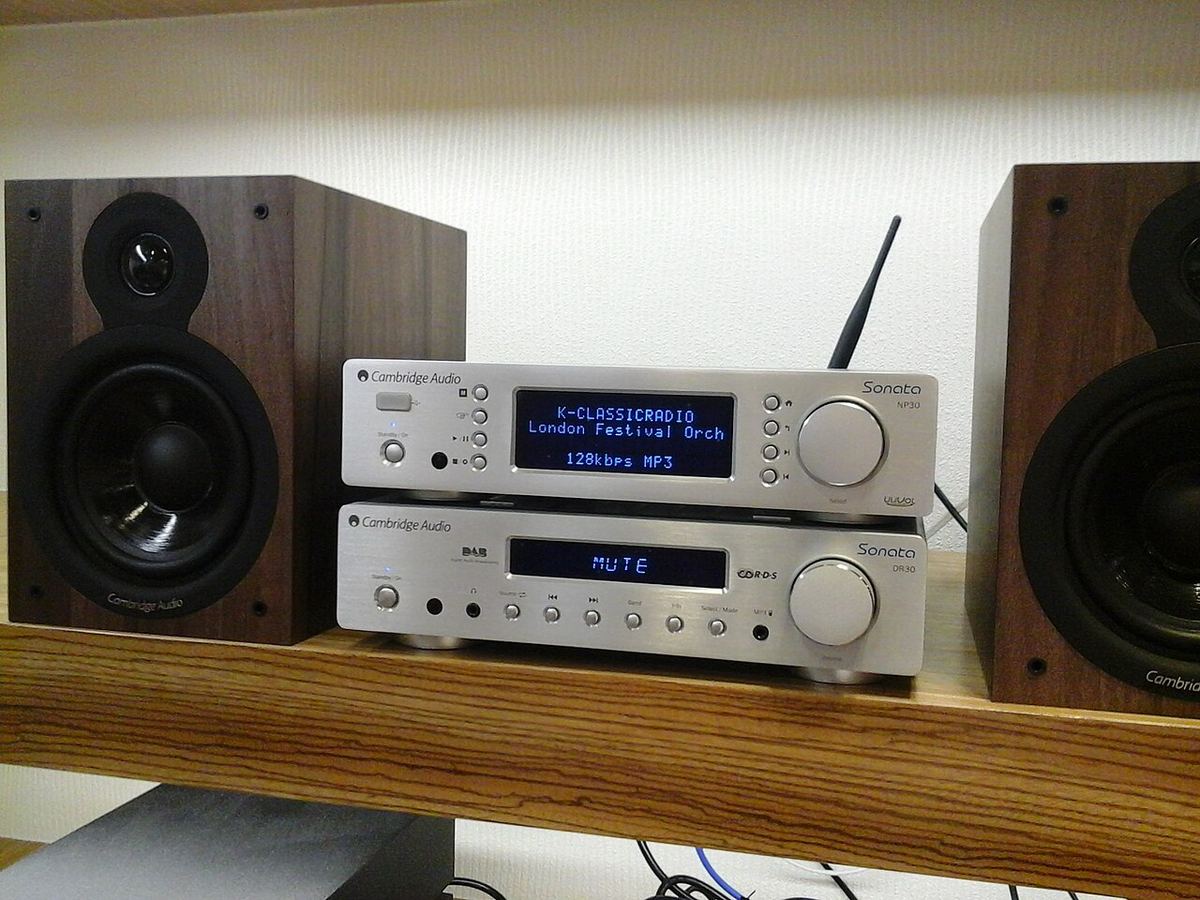
A network streamer (or network transport) retrieves audio over Ethernet or Wi-Fi and converts it to a digital audio stream a DAC can decode. Some streamers include a built-in DAC; pure transports do not. The distinction matters because a transport feeding an external DAC is judged almost entirely on signal integrity — format support, output interface, and jitter — not on sound "character," which is the DAC’s domain.
Output Interface — How Bits Leave the Streamer
Digital Outputs (USB, Coax S/PDIF, Optical, AES/EBU, I²S)
The output interface sets the ceiling on what resolution can pass and how susceptible the link is to jitter. USB and I²S carry the highest rates (PCM to 32-bit/768 kHz and native DSD); coaxial S/PDIF typically tops out around 24-bit/192 kHz and carries DSD only as DoP; optical (TOSLINK) is galvanically isolated but usually limited to 24/96–192. Match the streamer’s output to an input your DAC actually supports at the resolution you need.
Galvanic Isolation
Electrical noise on a digital link can couple into the DAC’s analog stage and raise the noise floor. Optical is inherently isolated. USB and coax connections may pass ground noise; better streamers isolate their outputs. This is why a noisy computer USB source and a purpose-built streamer can measurably differ at the DAC output even though the bits are identical.
Resolution Support
Max PCM / DSD Resolution
Resolution support must hold true end to end — streamer output, cable, and DAC input all have to agree. A streamer rated for PCM 32/384 and DSD256 is future-proof for essentially all current high-res catalogues. Note that resolution above 24-bit/96 kHz delivers no audible benefit on playback for most listeners; the value of high-res support is compatibility, not a guaranteed sonic upgrade.
Network Connection: Ethernet vs Wi-Fi
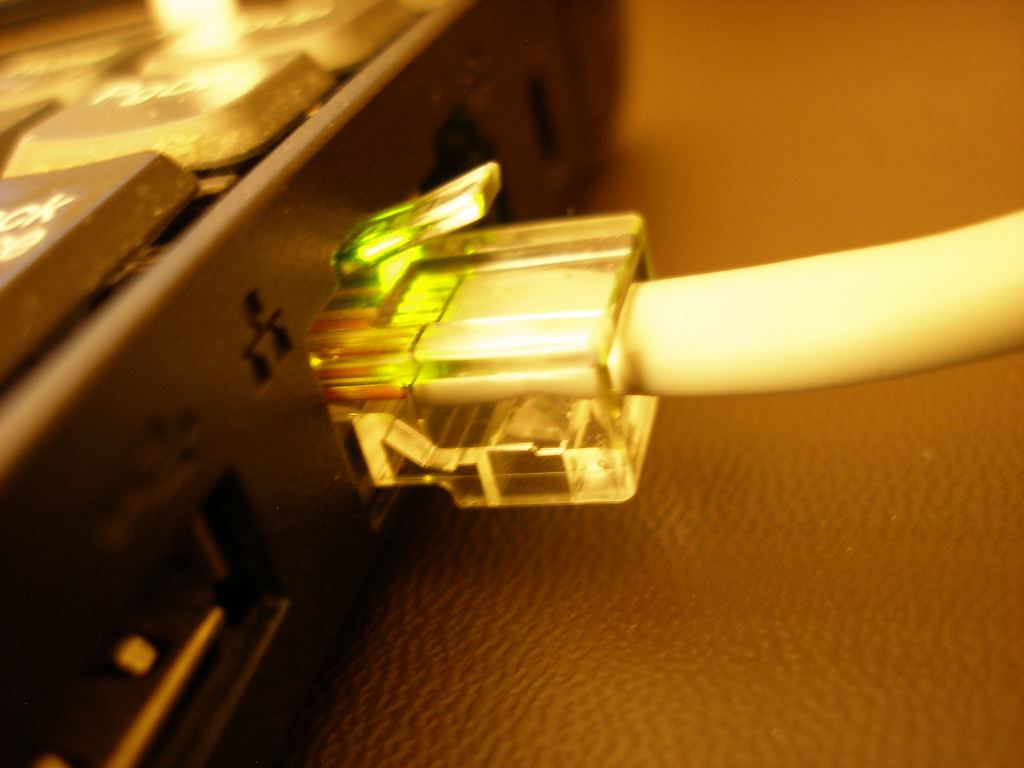
Wired Ethernet is preferable for high-resolution and gapless playback: it is immune to the dropouts and buffering stalls that Wi-Fi can introduce, and it keeps the noisy Wi-Fi radio out of the chassis. Wi-Fi is convenient and perfectly adequate for compressed streaming, but for 24/192 and DSD, a wired connection removes a whole class of reliability problems. The audio data is buffered either way, so network speed beyond a few Mbps does not affect sound — only reliability.
Streaming Protocols and Services
Supported Protocols (Roon, UPnP/DLNA, AirPlay, Chromecast, Spotify/Tidal Connect)
Protocol support determines how you control the streamer and which services play natively. Roon (via RAAT) offers bit-perfect multiroom and rich library management but requires a Roon Core. UPnP/DLNA is the open standard. AirPlay and Chromecast are convenient but historically capped at 24/48 or transcoded. Tidal Connect and Spotify Connect hand control to the native app while the streamer does the rendering. Confirm the services you actually use are supported natively rather than relayed through a phone.
Clocking and Jitter
Jitter is timing error in the digital stream. In a streamer feeding an asynchronous USB DAC, the DAC reclocks the data with its own master clock, so streamer jitter is largely rejected. Over S/PDIF and AES/EBU, the receiver recovers the clock from the data stream, so the streamer’s clock quality matters more. This is the single best argument for an asynchronous USB or I²S connection where the DAC controls timing: it moves the burden of clocking to the DAC, where it belongs.
Quick takeaway: For the cleanest result, use a streamer that outputs over asynchronous USB (or I²S) to a DAC that reclocks, wired over Ethernet. That combination makes streamer "sound" largely a non-issue and lets you choose the streamer on features and reliability, with the DAC doing the sonic work.
Transport, Streaming DAC, or Streaming Amplifier?
"Streamer" covers three quite different products, and choosing between them matters more than most individual specifications:
- Network transport — digital output only. It needs an external DAC, but because the DAC is separate you can replace either one without the other.
- Streaming DAC — streamer and DAC in one box with analog outputs, often with a volume control so it can drive a power amp or active speakers directly. Tidy and cost-effective.
- Streaming amplifier — streamer, DAC and amplifier in one: just add passive speakers. The simplest system there is.
The key consideration is that the streaming part ages fastest. Apps, service integrations and network standards change every few years, while a good DAC or amplifier stays good for much longer. If you buy an all-in-one, look for a digital or analog input that lets you add a separate streamer later if its software support ends. If long-term flexibility matters most, a transport into a separate DAC keeps the parts that age at different rates in different boxes.
Software Support Matters as Much as Hardware
Day to day, you interact with a streamer through its app, not its circuit board, so the software deserves as much scrutiny as the specification sheet. Before buying, it is worth checking:
- whether the manufacturer has a track record of firmware updates for models several years old;
- whether the services you actually use are built in, rather than relayed from a phone over Bluetooth or AirPlay;
- whether it supports a platform-independent route such as UPnP/DLNA or Roon Ready, so you are not tied to one company's app forever;
- how the app handles a large local library, if you have one, including search and album artwork.
This is not a theoretical concern: several well-known brands have moved older products onto legacy apps that no longer receive new features. Hardware with open protocol support tends to stay useful long after its own app has gone stale.
Using a Computer or Single-Board Streamer
A dedicated streamer is a convenience, not a requirement. A laptop or desktop connected by USB to an asynchronous DAC can deliver bit-perfect playback, provided the playback software bypasses the operating system's mixer (see the digital formats guide for the settings). The practical drawbacks are noise and convenience: a computer's USB port can carry electrical noise into a DAC without good isolation, and a computer that sleeps, updates or runs other programs is a less reliable source than a box that does one job.
Between the two sits the single-board computer. A Raspberry Pi running a dedicated audio distribution such as Volumio, moOde or piCorePlayer, with a DAC board or a USB DAC, makes a capable, low-cost network streamer. It requires some setup, but the results can rival commercial transports for a fraction of the price.
Setting Up for Reliable, Bit-Perfect Playback
A few settings make the difference between a streamer that just works and one that occasionally frustrates:
- Use Ethernet where possible. If you cannot, place the streamer within good range of a 5 GHz access point or mesh node rather than at the edge of coverage.
- Choose one volume control. If the streamer feeds a preamp or integrated amp, set the streamer's digital volume to fixed or 100% and adjust volume at the amplifier. Use the streamer's volume only when it drives a power amp or active speakers directly.
- Turn off processing you do not want — volume normalisation, crossfade, EQ and upsampling options all alter the data on its way to the DAC.
- Check the DAC's sample-rate indicator. If a 44.1 kHz track arrives as 48 kHz, something in the chain is resampling.
- Keep firmware current, both on the streamer and on the network equipment it depends on.
Quick Reference: Streamer Specs at a Glance
| Specification | What It Means | What to Look For |
|---|---|---|
| Output Interface | How the digital signal leaves | USB/I²S for highest res and DAC-side reclocking |
| Max PCM / DSD | Resolution ceiling | PCM 24/192+ and DSD64+ covers nearly all catalogues |
| Network | How audio is delivered | Wired Ethernet for reliability with hi-res |
| Galvanic Isolation | Noise rejection on the link | Isolated outputs or use optical |
| Protocols | Control and native services | Native support for the services you use |
| Clocking | Timing accuracy | Async USB lets the DAC reclock |
Check how your streamer fits the chain
Enter your streamer, DAC, amplifier, and speakers to get a full signal-chain compatibility analysis including resolution support, interface matching, and gain staging.
Run a Free Analysis →